

Most CRM selection criteria lists look the same. Ease of use, price, integrations, mobile app, good support. Every vendor checks every box, so the list doesn’t help you pick anything.
Mid-market companies have a harder problem. You might quote configured products, sync orders with an ERP, track projects against contracts, or sell through distributors. The CRM that wins a 30-minute demo often falls apart by month six.

This guide covers the CRM software selection criteria we use with manufacturers, distributors, professional services firms, and technology companies. It also shows you how to weight and score them, so you decide based on your requirements instead of the best salesperson.
Start with requirements, not features
Criteria only work when they’re tied to how your business runs. “Strong reporting” means nothing until you know which reports your VP of Sales opens every Monday and where the numbers come from.
Before you score a single vendor, write down your processes and the outcomes you need. Our post on the five levels of CRM requirements explains how deep to go, and our CRM requirements example document gives you a format to copy. If you want the full step-by-step process, see The CRM Selection Process: 7 Steps. This post zooms in on one part of it: what to judge vendors on.
CRM software selection criteria for mid-market companies
Here are the 12 criteria we find most important when requirements are complex. Not all of them will carry the same weight for you. That’s what the scorecard further down is for.
1. Fit with your documented requirements
This is the first filter. Can the system handle your actual workflows, such as your lead routing rules, approval steps, and account hierarchies, with configuration rather than custom code?
Ask each vendor to show your scenarios, not their standard demo. We wrote about running scripted CRM demonstrations so you can compare vendors on equal terms.
2. ERP and system integration
For manufacturers and distributors, this is often the deciding factor. Customer records, pricing, inventory, orders, and invoices usually live in the ERP, and sales reps want to see them without logging into a second system.
Ask which ERP connectors exist for your specific ERP and version, who built and supports them, and which direction data flows. A connector that only syncs accounts nightly is a different thing from one that shows live order status. Our CRM-to-ERP integration guide breaks down the common touchpoints, and the ERP-and-CRM vendor integration guide covers which platforms pair well.
3. Data model and customization
Your business has its own objects: equipment, service contracts, projects, rebate programs, channel partners. Check whether you can add custom objects and relationships, and whether they appear in reports, automation, and the mobile app like the standard ones.
Also look at limits. Some platforms cap custom fields, objects, or automation runs by edition. Get those limits in writing for the edition you plan to buy.
4. Quoting and CPQ for complex sales
If you sell configured products, tiered pricing, or bundles of products and services, quoting can make or break adoption. Find out whether configure-price-quote (CPQ) is native, an add-on with its own license, or a third-party app. Then have the vendor build one of your real quotes, with your discount rules and approval steps.
5. Reporting and analytics
Bring three or four reports you actually use today and ask the vendor to rebuild them. Check whether reports can pull from ERP data, whether managers can build their own without an admin, and what the forecasting tools look like at your edition.
6. AI and agent capabilities
Every vendor now leads with AI, and the features change every quarter. Judge them on two things. First, does the AI work on your data as it’s structured, or does it need clean, complete records you don’t have yet? Second, how is it priced? Many vendors charge for AI by user, by credit, or by conversation, and that can change your cost math fast.
If you’re weighing AI-native platforms against traditional ones, our post on CRM categories explains the tradeoffs.
7. Security and compliance
Ask for the vendor’s SOC 2 Type II report (the AICPA’s SOC 2 framework covers security, availability, and confidentiality controls). Check role-based permissions down to the field level, single sign-on, audit trails, and where your data is stored. Technology companies selling into regulated industries, and anyone handling EU customer data under GDPR, should go deeper here.
8. Scalability and performance
Think three to five years out. Will you add a service team, a new division, or an acquired company? Check how the platform handles multiple business units, currencies, and languages, plus data storage limits and API call limits. Storage overages are a common surprise in year two.
9. Implementation partner and support
For mid-market companies, the implementation partner often matters as much as the software. Ask who will do the work, how many projects they’ve done in your industry, and whether you can talk to those clients. Our five questions to ask a CRM consulting company is a good place to start.
On the vendor side, find out what support is included in your edition and what costs extra.
10. Total cost of ownership
License price is what everyone compares, and it’s usually not the highest cost. Add implementation, integration, data migration, add-ons like CPQ or AI, extra storage, admin staff or a managed services contract, training, and the price increase at renewal. Our breakdown of the six levels of CRM expenses walks through each layer. Compare five-year totals, not first-year quotes.
11. Vendor viability, roadmap, and contract terms
A CRM is a long relationship. Look at the vendor’s ownership, funding, and customer base in your segment. A private equity buyout or a product folded into a bigger suite can quickly change pricing and priorities. Ask what’s on the roadmap for the features you depend on, and treat anything not yet released as a maybe. Then read the contract before you fall in love. Check renewal price caps, minimum user counts, multi-year commitments, and how you get your data out if you leave. Data export should be complete, including attachments and history, and shouldn’t need a paid service.
12. User adoption and ease of use
A CRM your reps avoid is an expensive address book. Have the people who’ll use it every day try it with your data during the evaluation. Watch how many clicks it takes to log a call or update an opportunity, and check the mobile app and email integration with Outlook or Gmail.
How to weight and score your CRM selection criteria
A weighted scorecard keeps the decision tied to your priorities. It also records why you chose what you chose, which helps when someone questions the decision a year later.
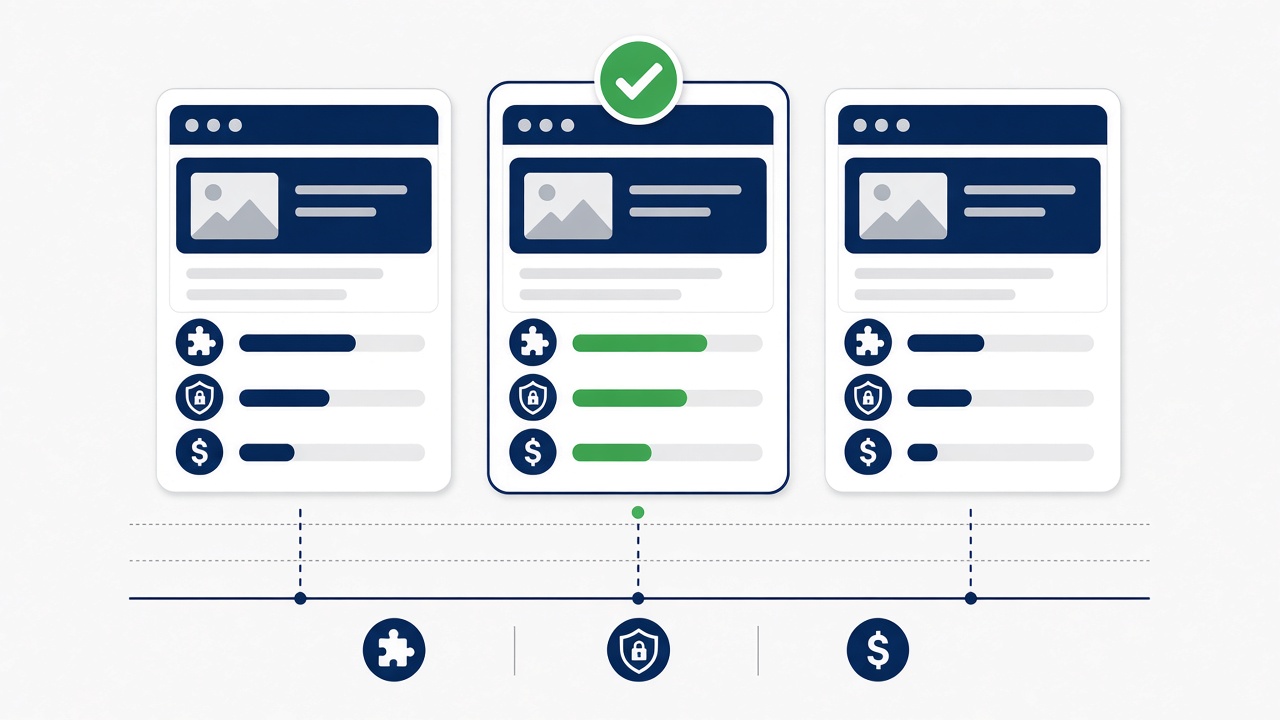
- Give each criterion a weight. The weights should add up to 100.
- Score each vendor from 1 to 5 on each criterion, based on scripted demos, reference calls, and documentation, not the sales deck.
- Multiply each score by its weight, then add the results. The highest possible total is 500.
- Look closely at any vendor that scores a 1 or 2 on a heavily weighted criterion. A high total can hide a dealbreaker.
Here’s an example for a mid-sized manufacturer with an ERP it plans to keep. The weights are illustrative. Yours should come from your own requirements.
| Criterion | Weight | Vendor A score | Vendor A weighted | Vendor B score | Vendor B weighted |
|---|---|---|---|---|---|
| Fit with documented requirements | 20 | 4 | 80 | 3 | 60 |
| ERP and system integration | 15 | 5 | 75 | 3 | 45 |
| Data model and customization | 10 | 4 | 40 | 4 | 40 |
| Quoting and CPQ | 10 | 3 | 30 | 5 | 50 |
| Reporting and analytics | 8 | 4 | 32 | 4 | 32 |
| AI and agent capabilities | 5 | 3 | 15 | 5 | 25 |
| Security and compliance | 5 | 4 | 20 | 4 | 20 |
| Scalability and performance | 5 | 4 | 20 | 4 | 20 |
| Implementation partner and support | 7 | 4 | 28 | 3 | 21 |
| Total cost of ownership | 7 | 3 | 21 | 4 | 28 |
| Vendor viability and roadmap | 3 | 4 | 12 | 4 | 12 |
| User adoption and ease of use | 3 | 3 | 9 | 5 | 15 |
| Contract terms and exit options | 2 | 3 | 6 | 3 | 6 |
| Total | 100 | 388 | 374 |
Notice what happened. Vendor B had the slicker AI and the easier interface, and it would probably win a popularity vote after the demos. Vendor A wins because it handles the ERP integration and fits the documented processes better, and for this company those carry the most weight.
Industry notes: what to weight more heavily
Manufacturing
Weight ERP integration, quoting, and the data model higher. Manufacturers often need to track installed equipment, sell through dealers or reps, and quote configured products. Ask about partner portals and how the CRM handles forecasts that feed production planning. Our page on ERP vs. CRM explains which system should own what.
Distribution
Distributors live on pricing, inventory, and order history. Reps need to see what a customer bought, what’s in stock, and their contract pricing before they call. Weight ERP integration and mobile access higher, and test how fast the system loads accounts with thousands of order lines.
Professional services
For consulting, engineering, legal, and accounting firms, the sale is a relationship and the delivery is a project. Weight relationship tracking across people and companies, proposal and statement-of-work workflows, and integration with your project accounting or PSA tool. Conflict checks and confidentiality permissions matter for many firms.
Technology
Software and tech companies usually have recurring revenue, product-led signups, and a customer success team. Weight subscription and renewal tracking, usage data from your product, and integration with billing. If you sell to enterprises, security and compliance will come up in your customers’ reviews, so your CRM should hold up, too.
Common CRM selection mistakes
- Starting with demos. When demos come first, the vendor sets the agenda. Write requirements first.
- Comparing first-year license prices. The cheapest quote is often not the cheapest five years.
- Treating integration as a later phase. If the ERP connection is critical, prove it during the evaluation.
- Letting one department choose. Sales, service, marketing, finance, and IT all touch the CRM. Get them in the room early.
- Writing a giant RFP. Long feature checklists get “yes” answers to everything. We explain why we avoid the RFP.
- Skipping reference calls. Talk to customers your size, in your industry, who’ve been live for at least a year.
FAQ
The main CRM software selection criteria are fit with your documented requirements, integration with your ERP and other systems, customization and data model, quoting, reporting, AI features, security, scalability, the implementation partner, total cost of ownership, vendor viability and contract terms, and ease of use. Weight them based on your business, then score each vendor.
Document your requirements first, build a shortlist of vendors that fit your size and industry, run scripted demos using your own scenarios, check references, and score each vendor with a weighted scorecard. Compare five-year costs before you negotiate.
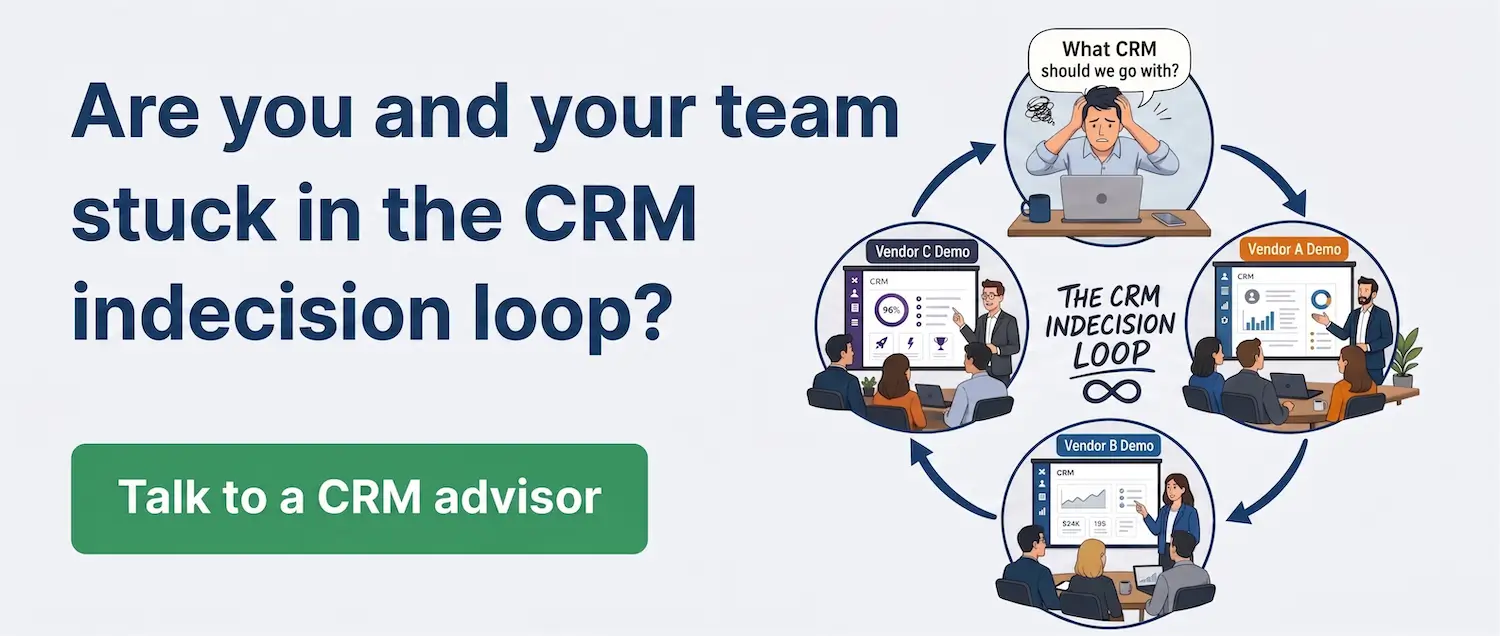
It depends on how ready you are. Teams that write requirements before talking to vendors usually move faster than teams that start with demos and get stuck comparing features. We call that stall the CRM indecision loop.
Where to go from here
If you’re still building your shortlist, our CRM vendor list lets you filter 60+ platforms by region and see which one is best for each. It’s free and doesn’t require a sign-up.
If you’d rather have help writing requirements and running the evaluation, our CRM consulting team can help. We don’t resell software, so we don’t care which vendor you pick, only that it fits.